
Enable two-factor authentication (2FA)
Two-factor authentication adds a temporary code, generated by an app on your phone, on top of your password. Even if your password leaks, nobody can sign in without your phone.
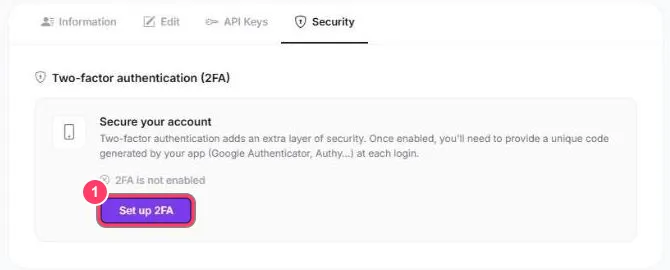
- Go to Profile Settings → Security
- Click Set up 2FA
- Scan the QR code with an authenticator app (Google Authenticator, Authy, Microsoft Authenticator, 2FAS…)
- Enter the 6-digit code shown by the app to confirm
From then on, the portal asks for the code shown in the app at each sign-in.