
Monitor server performance
Statistics: live
Section titled “Statistics: live”The Statistics page shows your server’s state in real time.
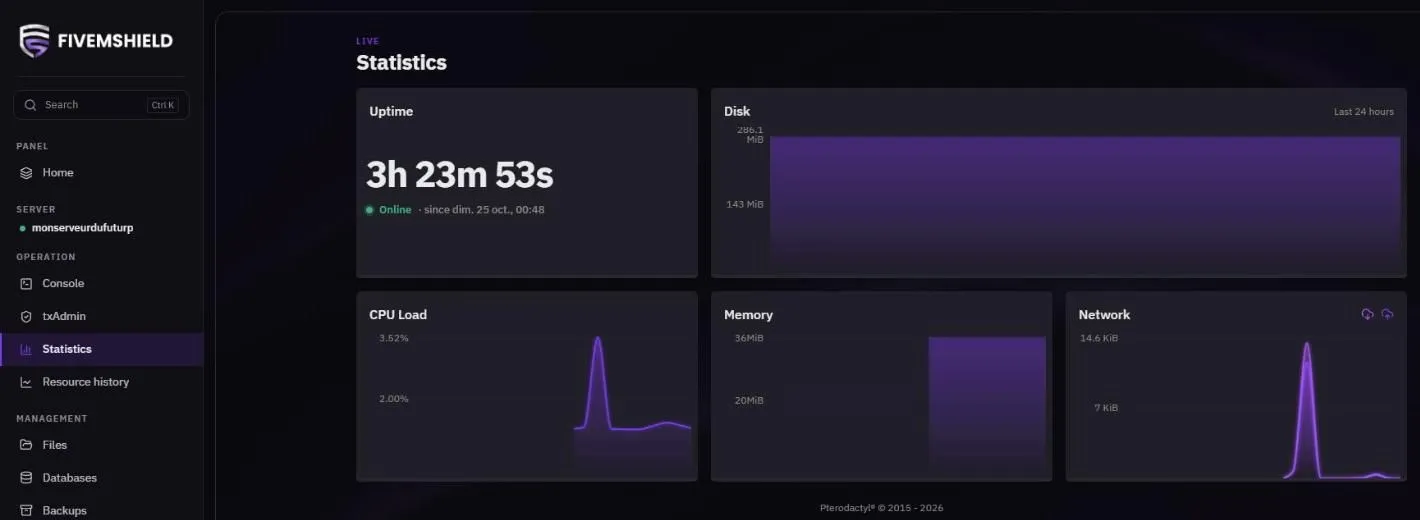
| Card | What it shows |
|---|---|
| Uptime | How long the server has been running without a restart |
| Disk | Disk space used over the last 24 hours |
| CPU Load | Processor usage |
| Memory | RAM usage |
| Network | Inbound and outbound traffic |
Resource history
Section titled “Resource history”The Resource history page keeps 7 days of resource history. Pick the time range in the top-right corner: 1h, 6h, 24h or 7d.
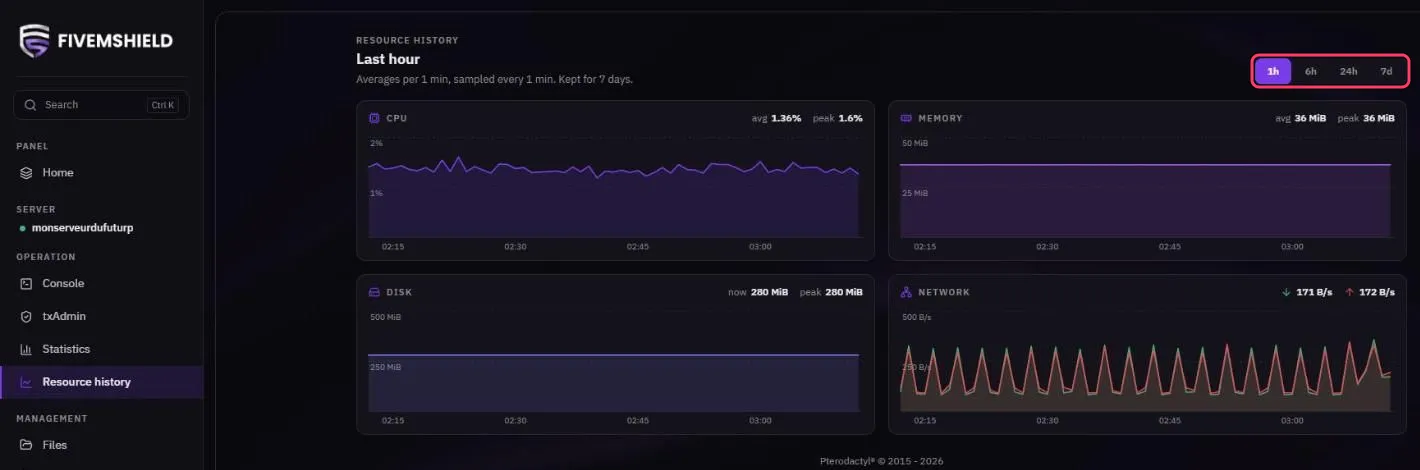
Each chart shows the average (avg) and the peak over the selected period.
What if resources are maxed out?
Section titled “What if resources are maxed out?”- Constantly high CPU: usually a poorly optimized script. Type
resmon 1in the in-game FiveM F8 console to find the heavy resource - RAM full: the server may crash or restart. Remove unused resources
- Disk full: delete old logs (
logs/), the cache (cache/) and backups you don’t need
If your server needs more resources, contact support to upgrade your plan.