
Give access to other people
You can give other people (staff, developers…) access to your server with specific permissions.
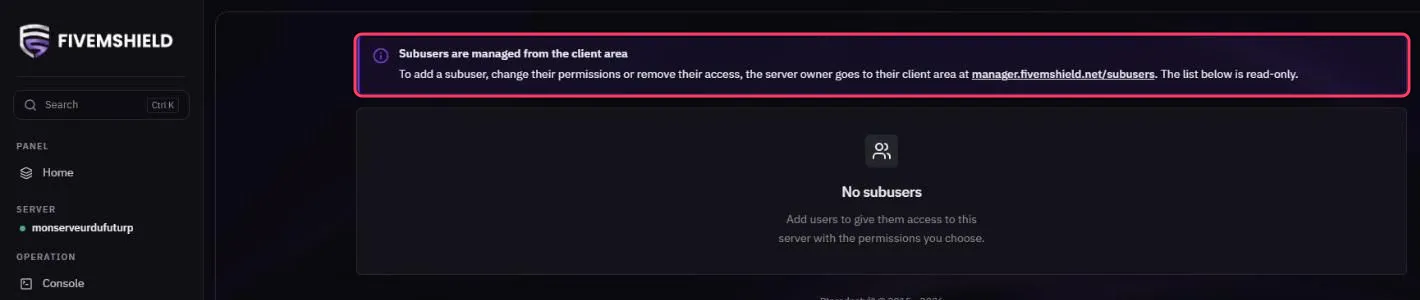
Subusers are managed from your customer portal, not from the Game Panel:
- Go to manager.fivemshield.net/subusers
- Add the person with their email address
- Choose the permissions you want to give them
The Game Panel’s Users page shows the subuser list as read-only.
See what subusers are doing
Section titled “See what subusers are doing”Your server’s Activity page lists every action performed (files edited, commands, restarts…) with the user, IP address and date. You can filter by user or by event type.