
View attack history
The History tab lists every attack detected and blocked on the selected IP. The counter next to the tab shows how many, and the badge at the top right recalls how many were blocked (e.g. 5 attacks · 5 mitigated).
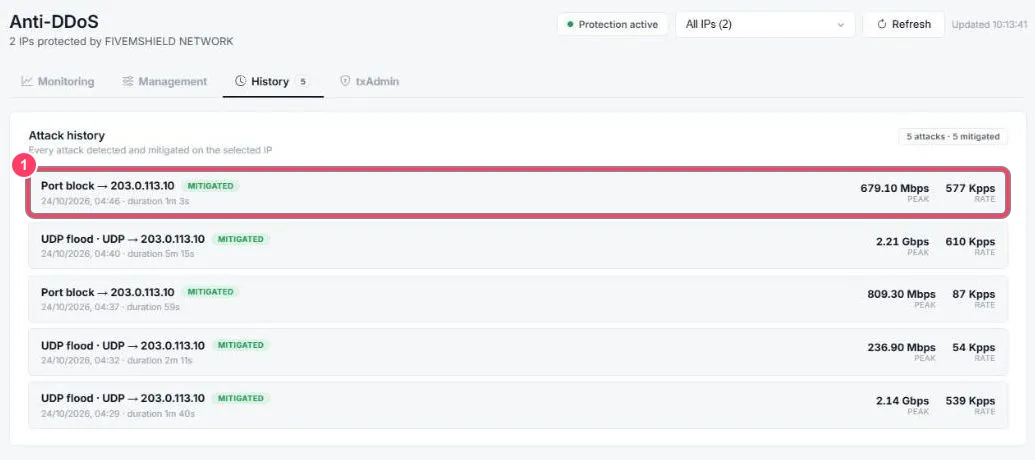
- Each line shows:
- the attack type and target IP (e.g. UDP flood → 203.0.113.10)
- the MITIGATED status: the attack was blocked
- the date, start time and duration
- the peak bandwidth (Peak, in Mbps or Gbps) and packet rate (Rate, in Kpps: thousands of packets per second)
Most common attack types
Section titled “Most common attack types”| Type | What it is |
|---|---|
| UDP flood | Millions of UDP packets sent to the game port to saturate the connection |
| SYN flood | Mass TCP connection requests that are never completed |
| Port block | Traffic sent to unused ports, dropped right away |