
The VPS console
The Console tab shows your VPS screen right in the browser (noVNC console). It’s the fallback when SSH stops responding: firewall mistake, network down, VPS stuck at boot…
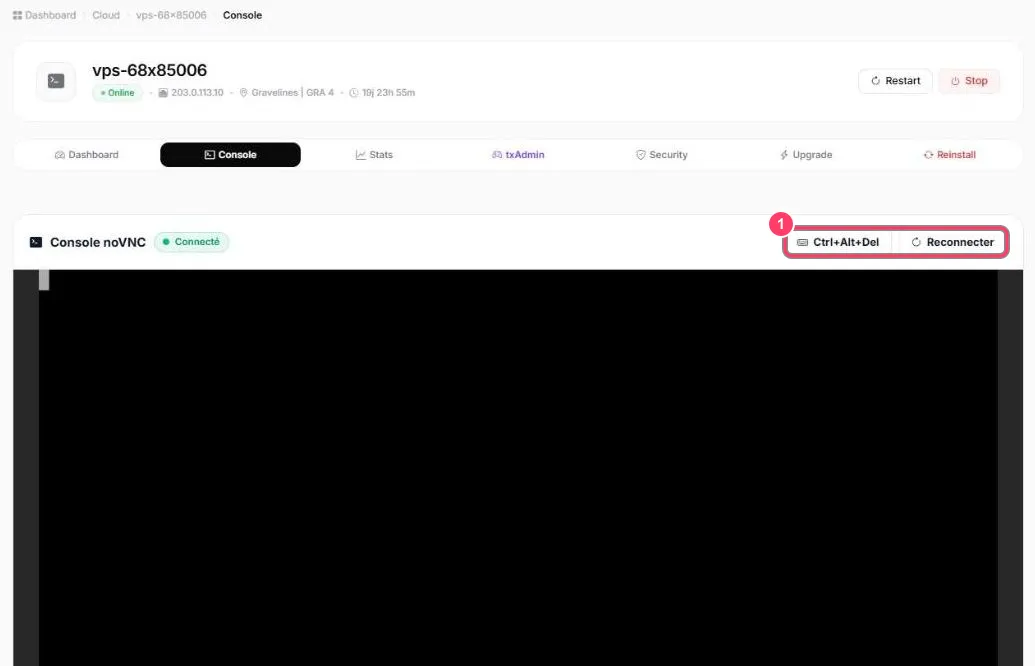
- The Connecté (Connected) badge shows the console is live. Click inside the black area to type
- Sign in with the
rootuser and your password (see Security)
- Ctrl+Alt+Del sends that key combination to the VPS. Reconnecter (Reconnect) restarts the console if the screen freezes