
Renew a service and avoid expiry
Each service is paid for a period (usually one month). At the due date it must be renewed, otherwise it expires.
See due dates
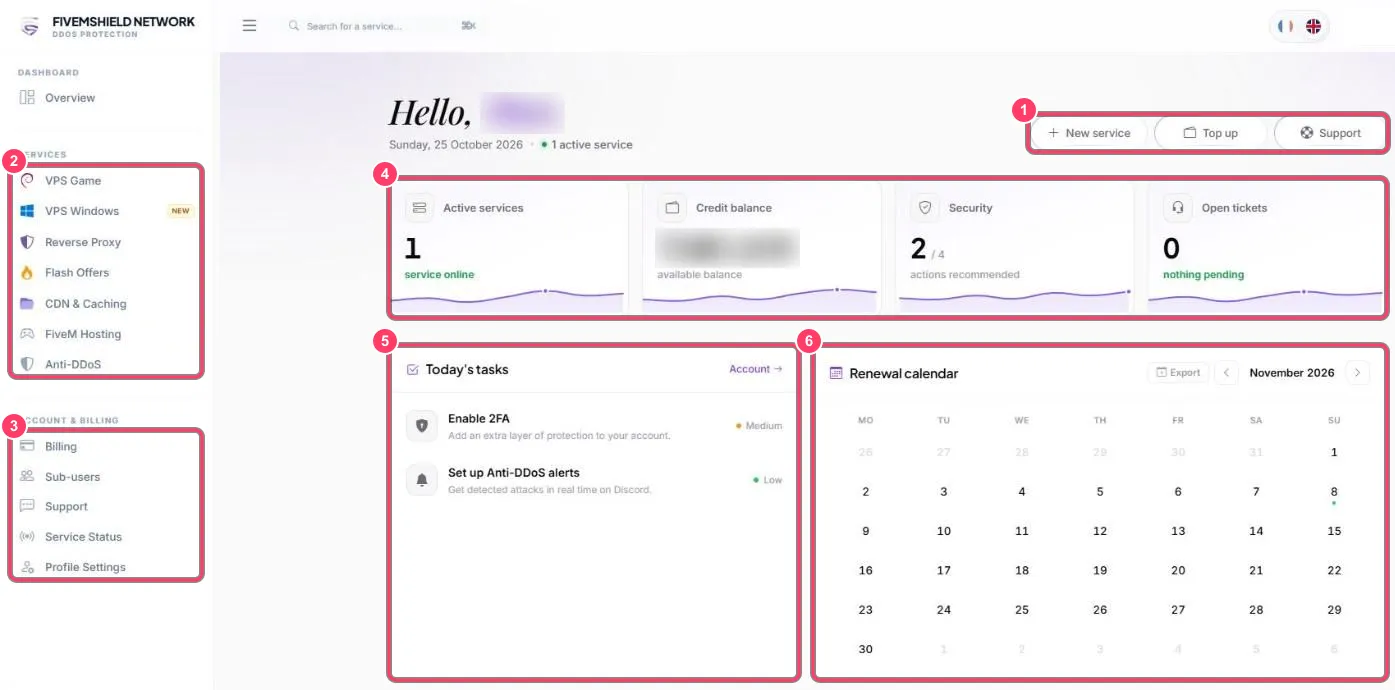
Section titled “See due dates”- Dashboard → Renewal calendar: a dot under a date marks a due date. The Export button adds these dates to your calendar (Google Calendar, Outlook…)
- Service list: the Expiry / Due date column shows the end date
- Open the service page (Manage button)
- Click Renew (Subscription block for a VPS, Actions block for a FiveM server)
- The amount is taken from your balance