
The Windows VPS console
The Console tab (or the Console button at the top of the page) shows your VPS screen right in the browser. It’s the fallback when Remote Desktop stops responding: Windows firewall misconfigured, stuck update, VPS not booting…
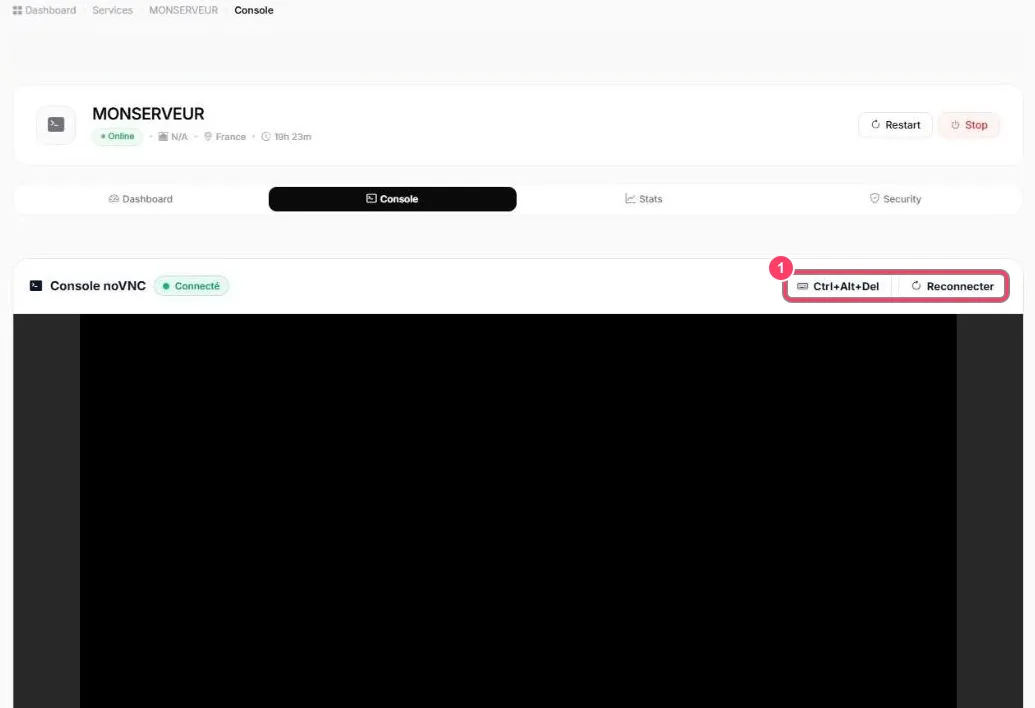
- The Connecté (Connected) badge shows the console is live
- Black screen? Windows simply turned the display off: click in the black area and move the mouse, or use the button below
- Ctrl+Alt+Del sends that key combination to the VPS: it brings up the Windows sign-in screen. Reconnecter (Reconnect) restarts the console if the screen freezes
Then sign in with the Administrateur user and your password.