
Reset your Game Panel password
Your Game Panel account (gamepanel.fivemshield.net) uses the same email address as your customer portal. If you forgot its password:
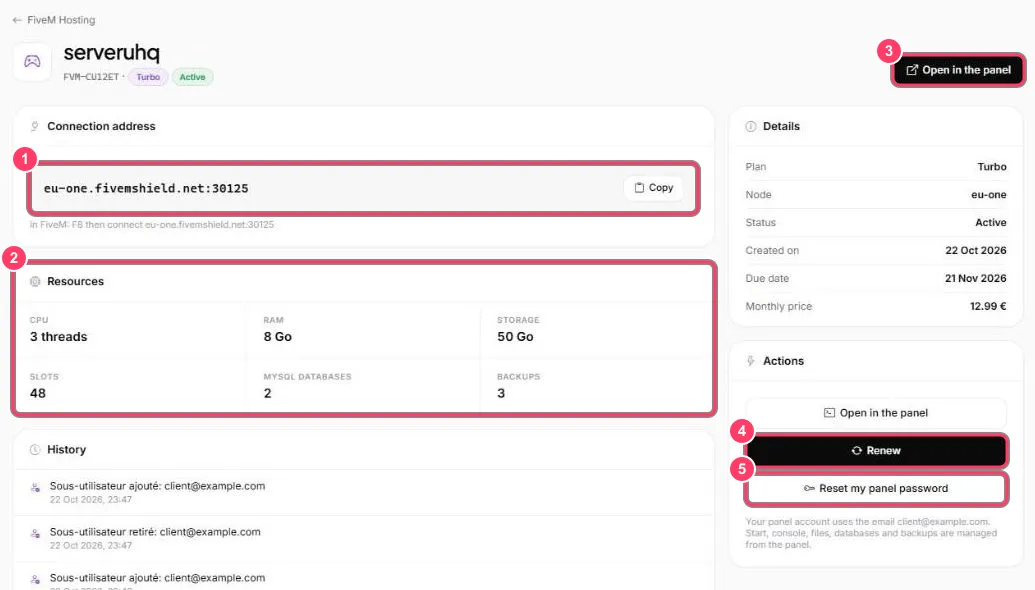
- In FiveM Hosting, open your server with Manage
- In the Actions block, click Reset my panel password (marker 5)
- Follow the instructions shown to set a new password
- Sign in to the panel with your email and the new password, or click Open in the panel directly
See also: Manage your Game Panel account.