
How to upload your resources
Once you’ve connected to your VPS via SFTP, you’ll see this page.
-
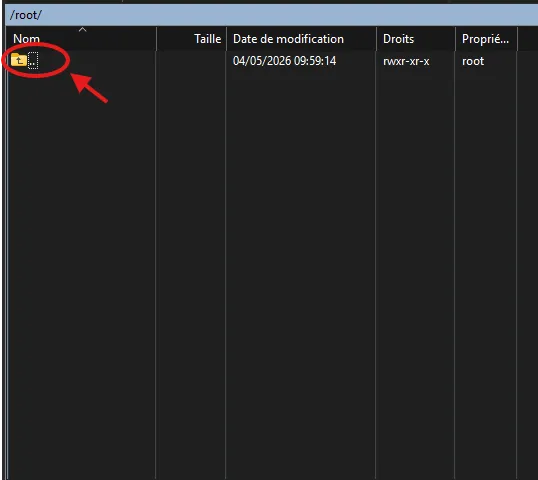
You’ll need to click .. at the top of your SFTP client page
-
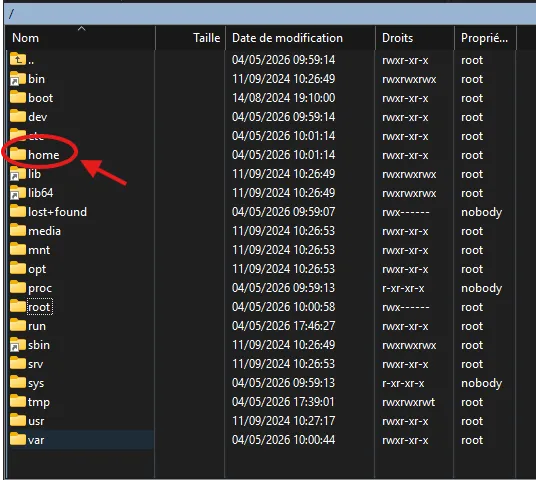
Next, go to the home folder
-
You’ll find the FiveM folder there; that’s where you should install your resources and manage your FiveM server files